How to Secure Your Office with Biometric,
September 3, 2026

Working Hours:
Mon-Sat 9:00am-9:00pm, Sun: ClosedCall Or WhatsApp


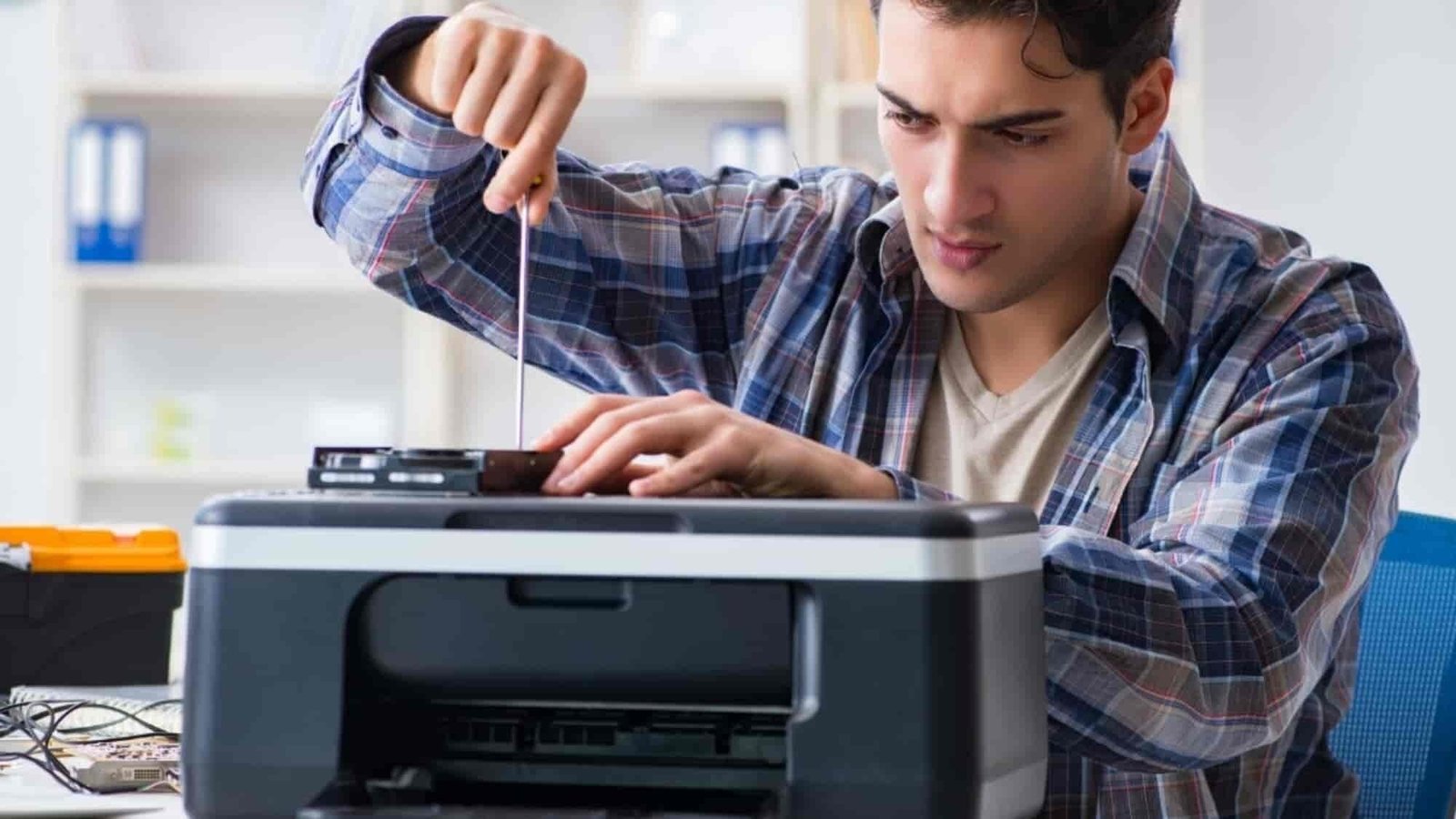
Is your printer not printing even though it is properly connected? Printer problems can happen due to simple connection issues, empty ink or toner, paper jams, driver errors, clogged printheads, or internal hardware faults.
Whether you use an HP, Canon, Epson, Brother, or another printer brand, identifying the actual problem is important before replacing expensive parts.
In this guide, we explain 10 common printer problems and their solutions to help you troubleshoot your printer and understand when professional printer repair or servicing may be required.
If your printer does not power on, first check the power cable, power socket, and power adapter. Try connecting the printer to another working socket.
If the printer still does not turn on, the problem may be related to the power supply, adapter, power board, or internal electronics.
Solution: Check the power connection first. If there is still no response, professional printer inspection may be required.
Sometimes the printer is powered on and connected to the computer, but the print command does not work.
This can happen because the wrong printer is selected, the printer is offline, the print queue is stuck, or there is a communication problem between the computer and printer.
Solution: Check the selected printer, clear pending print jobs, restart the printer and computer, and check the USB or network connection.
Blank pages are a common problem, especially with inkjet and ink tank printers. Low ink, dried ink, clogged nozzles, or printhead problems can prevent ink from reaching the paper.
Solution: Check the ink level and perform a printhead cleaning or nozzle check. If the problem continues, professional printer servicing or printhead cleaning may be needed.
If your printer produces very light or faded documents, the ink or toner may be low. In laser printers, an old or damaged toner cartridge can also affect print quality.
For inkjet printers, clogged printheads or poor ink flow can cause similar problems.
Solution: Check the ink or toner level, clean the printhead if required, and replace or refill the cartridge when necessary.
A paper jam can occur when paper is incorrectly loaded, damaged, or stuck inside the printer. Small pieces of torn paper can also remain inside and cause repeated jams.
Solution: Turn off the printer and carefully remove the jammed paper according to the manufacturer’s instructions. Avoid pulling the paper forcefully, as this may damage internal components.
If paper jams happen frequently, the paper-feed mechanism, rollers, or sensors may need servicing.
Lines, missing sections, spots, or uneven printing can indicate clogged nozzles, dirty printheads, damaged cartridges, or problems with the imaging system in a laser printer.
Solution: Run the printer’s cleaning and alignment functions. If print quality does not improve, professional cleaning and servicing can help identify the actual cause.
Clicking, grinding, rattling, or repeated mechanical sounds are not normal printer behavior. These noises may come from worn rollers, gears, motors, paper-feed mechanisms, or foreign objects inside the printer.
Solution: Stop using the printer if the sound is severe. Continuing to operate a printer with a mechanical problem may cause additional damage.
Wireless printers can stop working because of Wi-Fi changes, incorrect network settings, router problems, driver issues, or network configuration errors.
Solution: Check whether the printer and computer are connected to the same network. Restart the printer and router and reconnect the printer to Wi-Fi if necessary.
For office environments, professional printer and networking support can help resolve recurring connectivity problems.
Sometimes the printer hardware is working correctly, but the computer cannot communicate with it because the printer driver is missing, outdated, or corrupted.
Solution: Remove the existing printer installation and install the correct driver for your printer model and operating system. Also check whether the printer is set as the default printer.
A printer may have sufficient ink or toner but still produce poor-quality prints. This can happen because of dried ink, clogged printheads, incorrect cartridge installation, poor-quality refilling, or a damaged cartridge.
Solution: Check the cartridge installation and printer settings. For refillable cartridges and ink tank printers, proper ink refilling and cleaning are important for maintaining print quality.
If the cartridge is damaged or has reached the end of its usable life, replacement may be a better option than refilling.


Basic troubleshooting can solve many printer problems, but some issues require professional attention.
You should consider professional printer repair and servicing if:
Professional servicing can help identify the actual fault and prevent unnecessary replacement of working components.
Regular printer maintenance can help improve print quality, reduce paper jams, maintain proper ink or toner flow, and extend the working life of your printer.
For offices, shops, schools, institutions, and home users, timely printer servicing, cartridge refilling, toner refilling, and preventive maintenance can also help reduce unexpected printing downtime.
If your printer is not printing properly, showing errors, producing faded prints, or experiencing paper-feed and ink-related problems, AlightTech provides professional Printer Repair, Servicing, Cartridge Refilling and Ink Refilling Services in Kolkata.
Our services are suitable for home users, offices, shops, schools, institutions, and businesses. We support common printer brands including HP, Canon, Epson, Brother, and other popular models.
Don’t let printer problems interrupt your work. Contact AlightTech for reliable printer repair and servicing support in Kolkata.
AlightTech – Simplifying Technology
Printer Repair | Printer Servicing | Ink Refilling | Cartridge Refilling | Toner Refilling

Our skilled technicians are dedicated to restoring your devices to their optimal functionality.


Call Or WhatsApp

© AlightTech. All Rights Reserved